
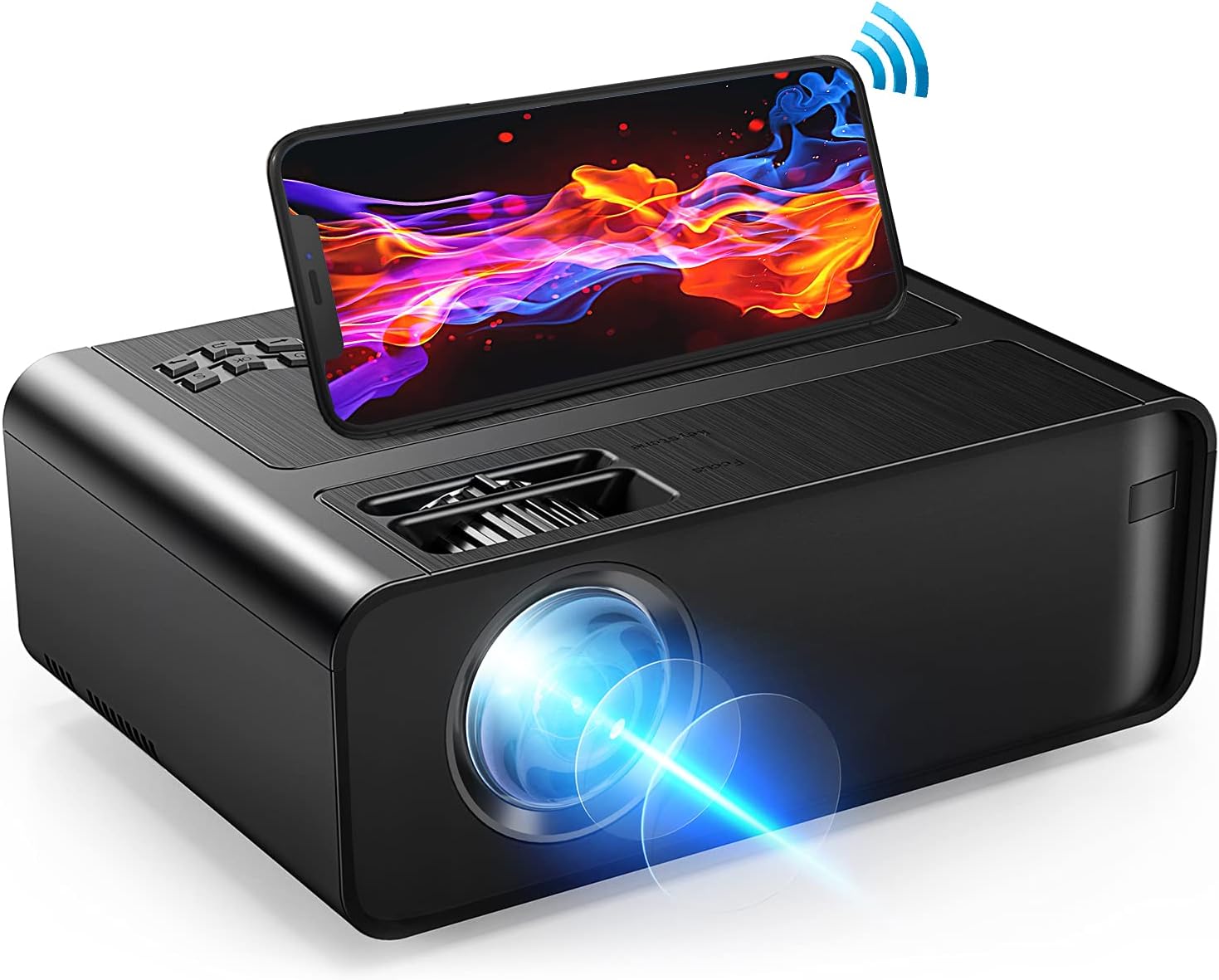
Xinteprid WiFi Mini Projector - 7000L HD 1080P Supported
The Xinteprid WiFi Movie Projector is a high-quality, portable video projector that is perfect for anyone who wants to enjoy a superior home theater experience. With a projection…
Manual and instructions
Instruction-focused content generated from the current product data and source context.
Xinteprid Mini WiFi Projector User Manual
Table of Contents
- Package Contents
- Setting Up the Projector
- Connecting Devices
- Screen Mirroring with Smartphone
- Adjusting the Projection
- Troubleshooting
- FAQ
1. Package Contents
- 1 x Mini Projector
- 1 x Lens Cover
- 1 x HDMI Cable
- 1 x AV Cable
- 1 x Remote Control
- 1 x Power Cable
- 1 x Instruction Manual
- 1 x Screw
2. Setting Up the Projector
- Place the projector on a stable, flat surface.
- Remove the lens cover.
- Connect the power cable to the projector and plug it into a power outlet.
- Turn on the projector using the power button on the projector or the remote control.
3. Connecting Devices
You can connect various devices to the projector using the available input ports:
- HDMI: Connect devices like laptops, gaming consoles, or streaming devices.
- AV: Connect DVD players or older gaming consoles.
- VGA: Connect desktop computers or laptops.
- USB: Connect USB drives for media playback.
For better sound quality, you can connect an external speaker using the Aux cable.
4. Screen Mirroring with Smartphone
Follow these steps to mirror your smartphone screen to the projector:
- Make sure your smartphone and the projector are connected to the same Wi-Fi network.
- On the projector, select the "Screen Mirroring" option.
- On your smartphone, enable screen mirroring. The process may vary based on your device.
- Select the projector from the list of available devices on your smartphone.
Note: For wired connection, use the original USB data cable of your phone.
5. Adjusting the Projection
- Adjust the focus ring on the projector to get a clear image.
- Use the keystone correction slider to correct the image angle, if necessary.
- Change the aspect ratio between 4:3 and 16:9, based on your preference.
- Use the zoom function on the remote control to adjust the screen size between 75% and 100%.
6. Troubleshooting
- If the projector has no sound, check the audio settings on your connected device and disable Dolby Digital Plus.
- If the screen mirroring is not smooth, check your Wi-Fi network and make sure both the projector and the smartphone are connected to the same network.
- If the projector is not displaying protected content from apps like Netflix, Hulu, or Prime Video, connect a laptop, Fire TV Stick, Roku, or Chromecast instead.
- If the image is not clear, adjust the focus ring and keystone correction slider.
7. FAQ
- Can I use this projector for presentations?
- It is not recommended for PPT presentations, as it is designed for use in low-light environments.
- Do I need to purchase an additional HDMI adapter for screen mirroring?
- No, the projector supports wireless and wired screen mirroring without the need for an additional HDMI adapter.
- How can I improve the sound quality?
- Connect an external speaker using an Aux cable for better sound quality.
- What is the recommended distance for a 200" screen?
- Place the projector at a distance of 14.5 feet to achieve a 200" screen size.
Frequently asked questions
Product FAQ:
Q: What is the projection screen size range and distance range of the Xinteprid WiFi Movie Projector?
A: The projection screen size range is 30-200 inches and the distance range is 2.6-14.5 feet.
Q: Does this projector have keystone correction?
A: Yes, it has manual keystone correction of ±15°.
Q: What are the aspect ratios supported by the Xinteprid WiFi Movie Projector?
A: It supports both 4:3 and 16:9 aspect ratios.
Q: What is the maximum resolution supported by this projector?
A: The maximum support resolution is 1920x1080P.
Q: What type of display technology does this projector use?
A: The Xinteprid WiFi Movie Projector uses LCD display technology.
Q: What type of light source does this projector have?
A: It has a LED light source with a lifespan of up to 50,000 hours.
Q: Can I synchronize my smartphone screen with this projector?
A: Yes, you can synchronize your smartphone screen with this projector through WiFi or wired connection (using an original USB data cable).
Q: Does this projector require an HDMI adapter to connect with smartphones for screen mirroring?
A: No, it doesn't require an HDMI adapter for screen mirroring with smartphones.
Q: What type of videos can be played on this casting projector through screen mirroring?
A: Due to app copyright, only movies, videos, and photos from non-protected sources can be played via screen mirroring. Services like Netflix, Prime Video, and Hulu can only be played via laptop, Fire TV stick, Roku or Chromecast.
Q: Does this projector have built-in speakers?
A: Yes, it has built-in dual stereo speakers.
Q: Can I connect external speakers to this projector?
A: Yes, you can connect external speakers to this projector through the 3.5mm audio port.
Q: What type of interfaces does this projector have?
A: The Xinteprid WiFi Movie Projector has HDMI, AV, VGA, USB input portals, making it compatible with various devices such as Roku Stick, Fire-TV, Chromecast, external speakers, USB disk, PS4/XBOX, laptop/PC, DVD player, mobile phone/iPad.
Q: What is the weight of this projector?
A: The weight of the Xinteprid WiFi Movie Projector is 3.39 pounds.
Q: Does this projector support Full HD 1080P resolution?
A: Yes, it supports Full HD 1080P resolution.
Q: What is the special feature of this projector?
A: The special features of this projector include a maximum support resolution of 1920x1080P, a projection distance range of 2.6-14.5 feet, manual keystone correction of ±15°, a projection screen size range of 30-200 inches, LCD display technology, LED light source with a lifespan of up to 50,000 hours and compatibility with both 4:3 and 16:9 aspect ratios.
Q: What is the warranty period for this product?
A: Xinteprid offers a 2-month free return for full refund or replacement for the projector and a 5-year warranty for all-covered repairs. Additionally, they provide lifetime professional customer service and technical support.
Specifications
Structured product details pulled from the latest available product data.
| Brand | Xinteprid |
|---|---|
| Color | Black |
| Weight | 3.39 pounds |
| First Available | July 19, 2021 |
| Brand Name | Xinteprid |
| Item Weight | 3.39 pounds |
| Package Dimensions | 11 x 7.3 x 4 inches |
| Color Name | Black |
| Special Features | Max Support Resolution: 1920x1080P, Projection Distance: 2.6 - 14.5 FT, Keystone Correction: Manual ± 15 °, Projection Screen: 30 - 200 inches, Display Technology: LCD, Light Source: LED, Aspect Ratio: 4: 3 / 16: 9 |
| Speaker Type | Built-In |
| ASIN | B099WCZ9PP |
| Customer Reviews | 4.6 out of 5 stars136 ratings4.6 out of 5 stars |
| Best Sellers Rank | #44 in Video Projectors |
| Date First Available | July 19, 2021 |
| Hardware Interface | VGA, HDMI |
| Controller Type | IOS, Android |
| Display resolution | HD 1080P Support |
| Control Method | Remote |
Use this page carefully
ProductReviewGPT pages are AI-assisted summaries. When a source document is available, it should take priority over the generated summary for important operating, warranty, safety, or compliance details.